AI image and video tools have gone from novelty to everyday studio equipment remarkably quickly. Used well, they let brands create campaign visuals, mood films and content in days instead of weeks. Used carelessly, they produce generic, slightly-off images that quietly cheapen a brand.
Here's how to tell the difference.
Where AI shines
Concepts and mood boards
Exploring visual directions used to mean hours of searching stock libraries. Now you can generate twenty routes for a campaign in an afternoon, then refine the best. It's the fastest way to get a team or a client aligned on a look.
Campaign worlds
Surreal settings, impossible locations, dramatic lighting and stylised scenes that would need a large production budget can be created for a fraction of the cost.
Backgrounds and environments
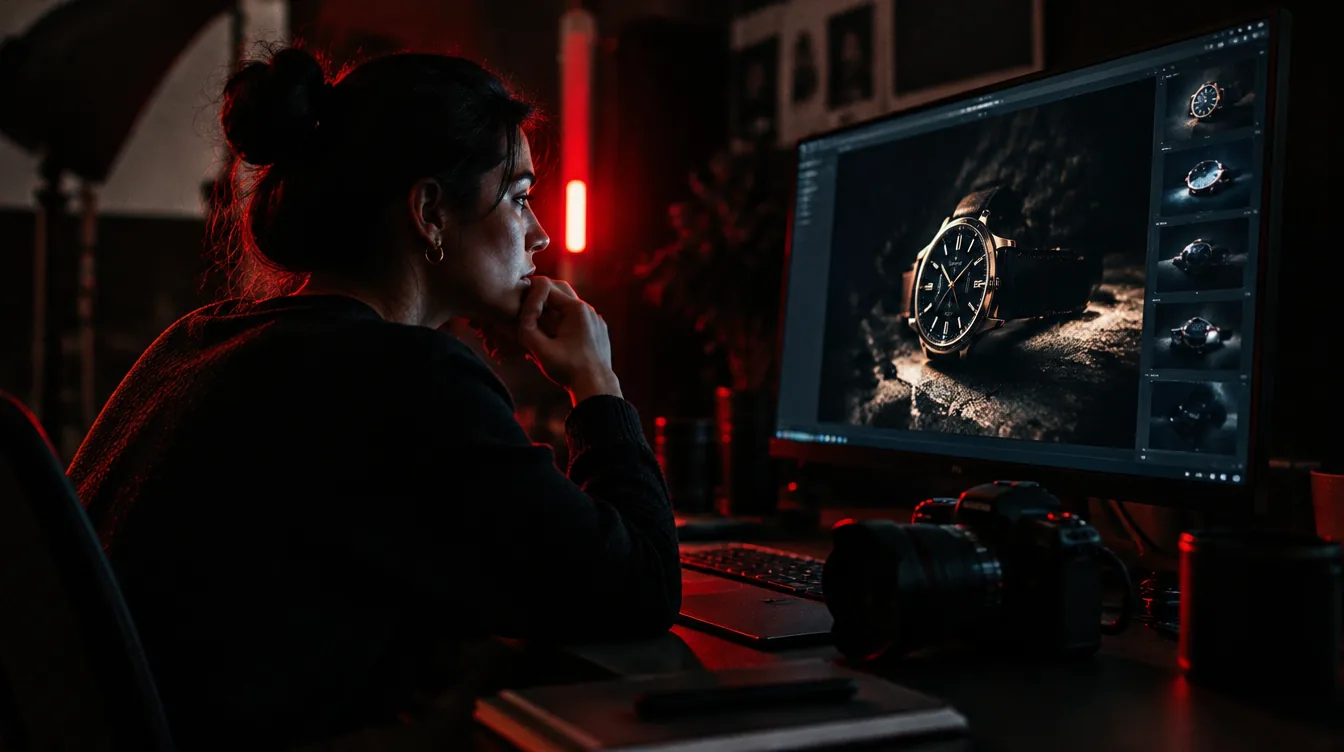
Placing a real product photo into a generated setting, such as a forest, a studio or a city at night, is one of the most practical uses. The product stays accurate; the world around it is created.
Content at volume
Social media needs a steady flow of visuals. AI can produce consistent variations, seasonal versions and formats for every platform, so the team can focus on ideas instead of resizing.
Motion
Short AI video clips are now good enough for social content, mood films, transitions and animated backgrounds, especially in a cinematic, stylised look.
Where it still falls short
Your actual product
Generated images can change details: the shape of a bottle, the text on a label, the number of buttons. For product pages and anything a customer buys from, shoot the real thing, or composite a real photo into a generated scene.
Real people and real places
Your team, your clients, your office and your events should be real photographs. Generated "staff" or "customers" mislead people and damage trust when noticed.
Text and fine detail
Signs, packaging text, hands and small mechanical details are still common giveaways. Check every image closely at full size.
Sameness
Default prompts produce a recognisable "AI look": glossy, over-lit and generic. Without clear art direction, your visuals will look like everyone else's.
Set brand rules for AI imagery
Treat AI like any other image source and add it to your brand guidelines:
- The look: lighting, colour grading, composition, level of realism. Reference images help enormously.
- What it may be used for: campaigns, backgrounds and social content, for example
- What it may not be used for: depicting real people, misrepresenting products, fake reviews or testimonials
- Quality checks: hands, faces, text, logos, product accuracy
- Who approves it before it's published
Ethics and practicalities
- Be open. If a visual is generated, don't present it as a documentary photo.
- Check commercial terms. Each tool has its own licence terms for business use.
- Avoid imitating living artists, real people or other brands' trademarks.
- Keep records of what was generated, with which tool and prompt, for future reference.
A practical workflow
- Brief like you would for a photoshoot: purpose, audience, mood, references
- Explore broadly with many quick generations
- Select and refine the strongest direction
- Combine with real product photography where accuracy matters
- Retouch and grade so everything matches your brand look
- Check at full size before publishing
The bottom line
AI imagery is a powerful creative tool, not a replacement for taste. The brands getting the most from it bring the same art direction, standards and honesty they'd bring to a real shoot, and use the camera when the truth matters.
Curious how it could work for your brand? Book a free 30-minute call.